
 Logix IDE
Preview available now · Release Q4 2026
"The Arduino experience,
for FPGAs."
Write Verilog, click Verify, click Upload. One installer and nothing else to set up: Logix gets the FPGA tools by itself.
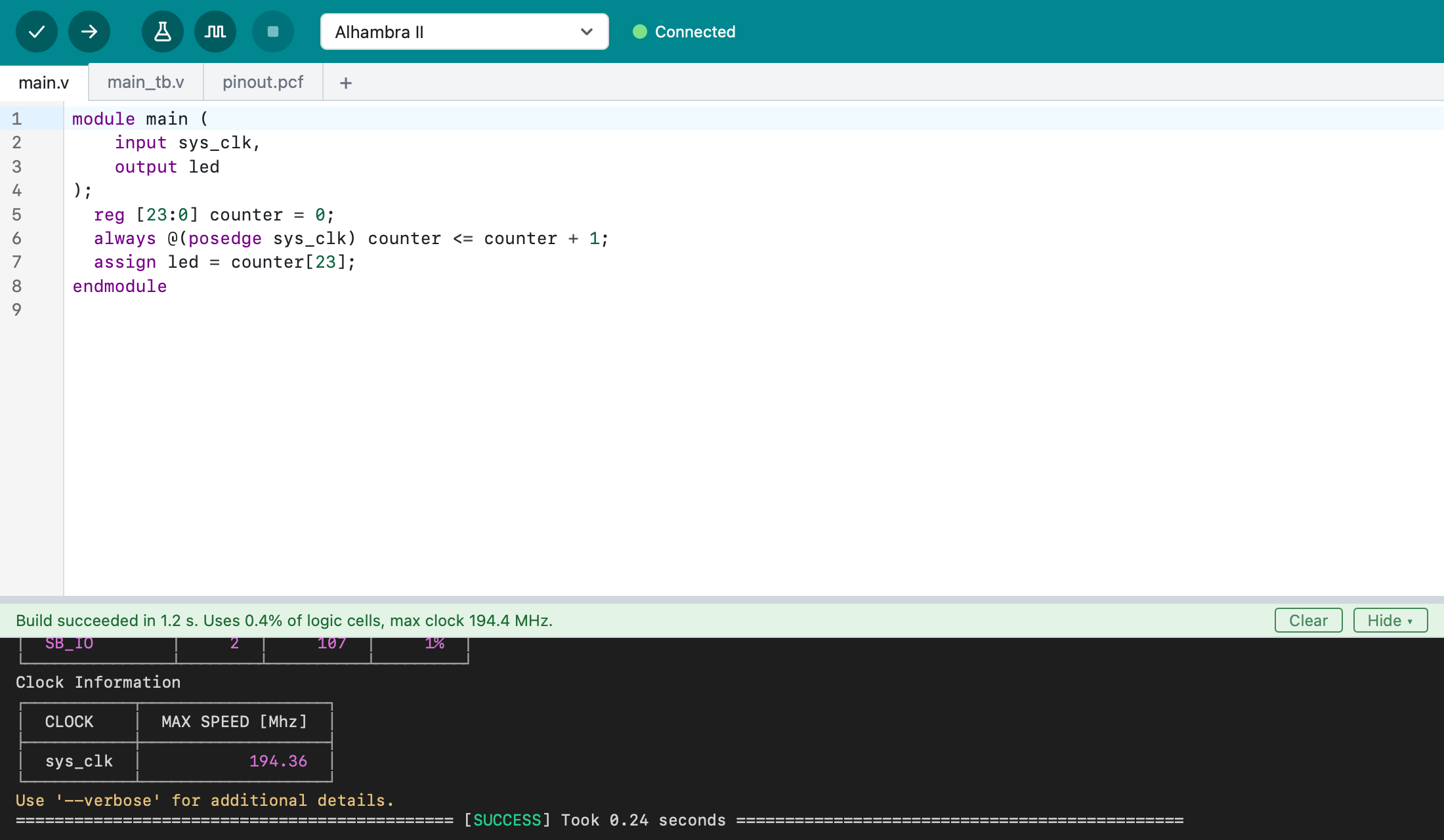
Three steps from code to hardware.
If you've used the Arduino IDE, you already know how it works. No command line and no setup.
Write
Describe your circuit in Verilog. Mistakes are underlined as you type.
Verify
Check and build the design, and see how much of the FPGA it uses.
Upload
Put it on your board with one click, and watch it run.
Everything you need to start. Nothing in your way.
A small set of obvious actions, made for beginners and pleasant for everyone.
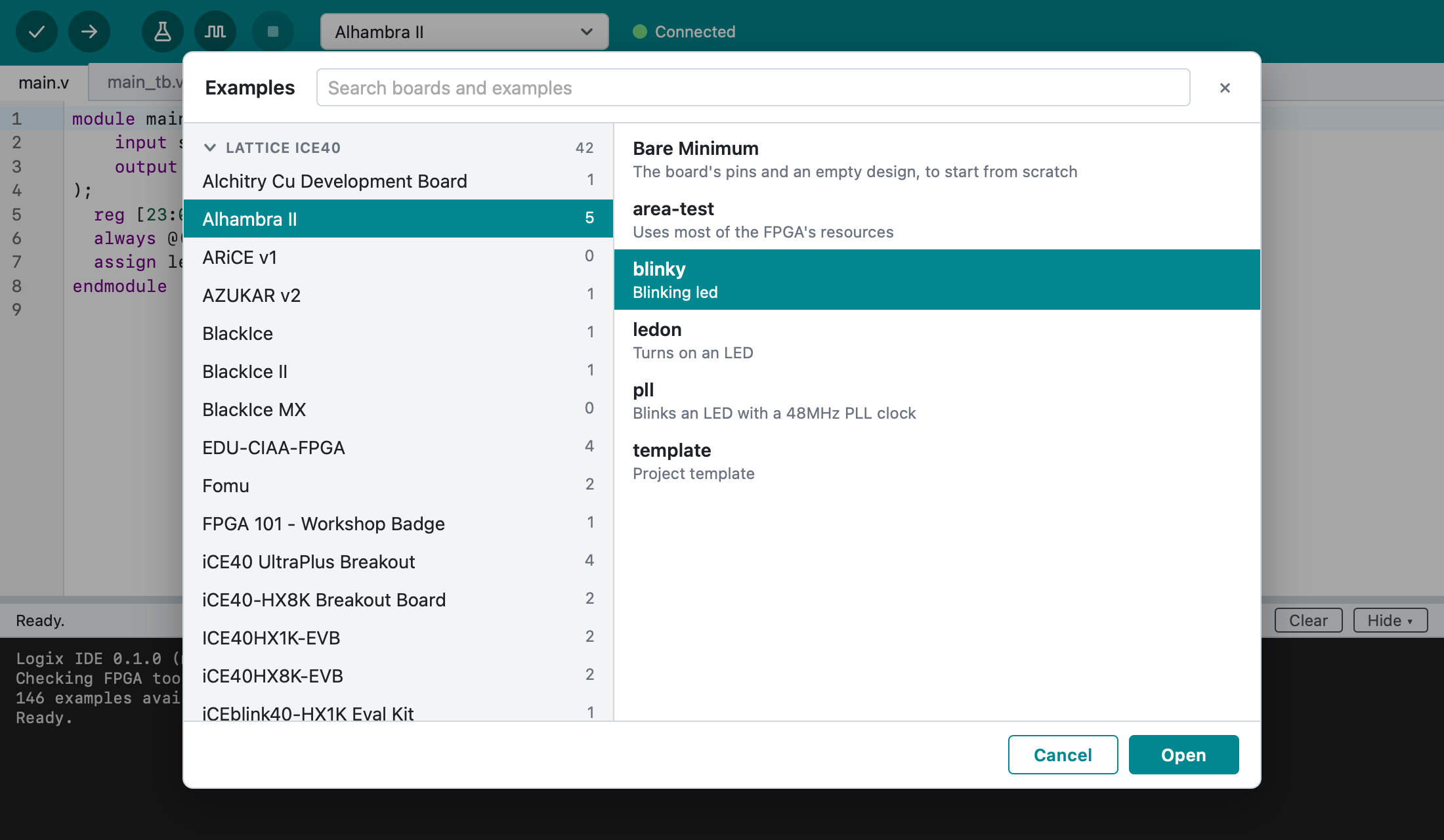
Examples for 100+ boards
Ready-to-run examples, from a blinking LED onwards. Pick your board and go.
Knows your board
Shows when your board is plugged in, and lists connected boards first.
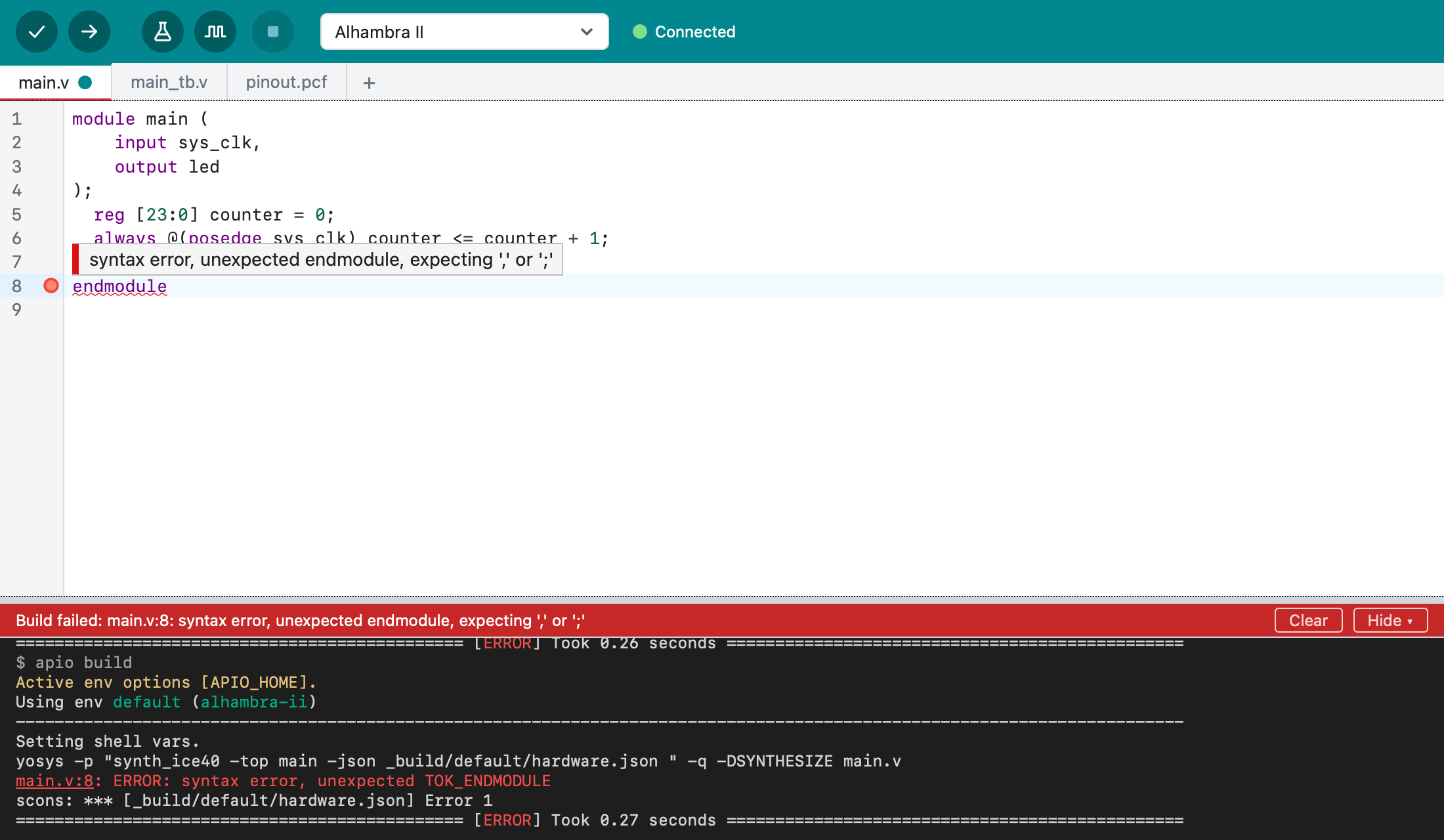
Clear errors
Problems are marked on the line, with links from the output straight to the code.
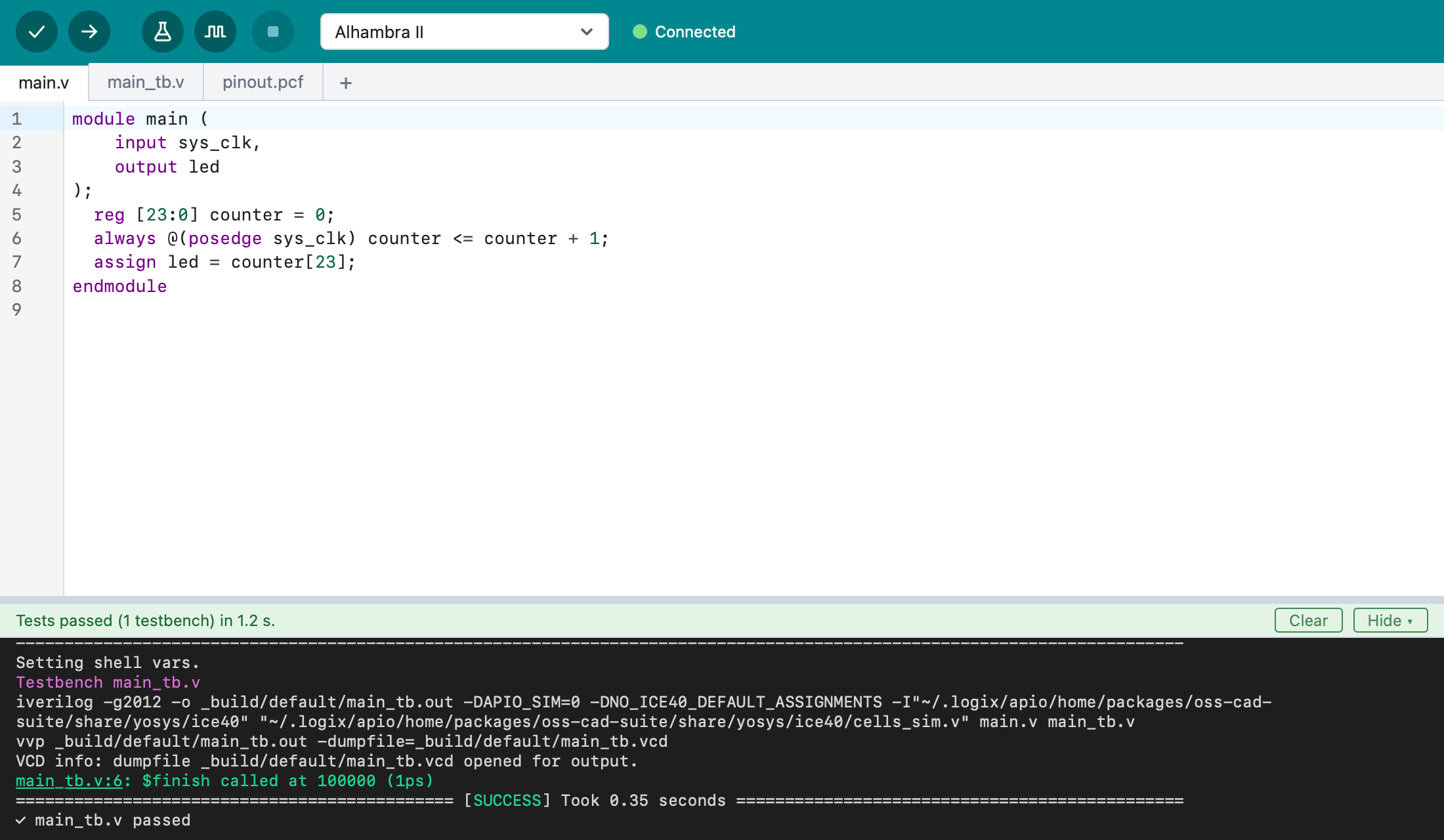
Testbenches and simulation
Run tests and look at the signals in GTKWave, no board needed.
See your design
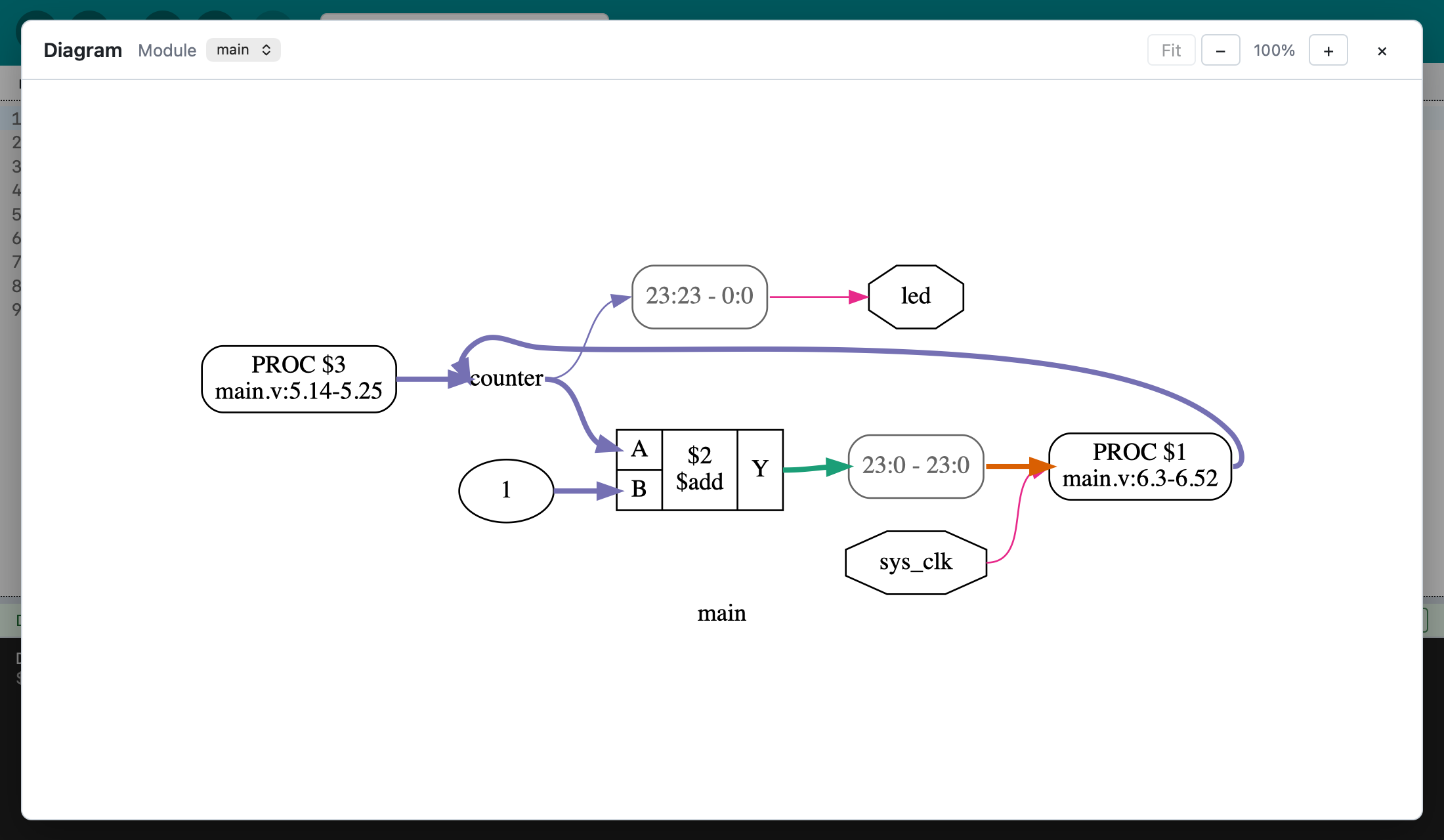
A diagram of your modules and signals, one click away.
Self-contained
One installer. The FPGA tools download automatically on the first start.
Take a look.
Real screenshots of Logix IDE. The tour walks through the window.
Part of Open Logix.
Every Logix tool runs on the same FPGA engine, so you can design the way you like.

Logix Engine
The core of the ecosystem. An MCP backend that serves every Logix tool.
Learn more →
Logix CLI
Fast command-line builds, in the spirit of Apio.
Learn more →
Logix VSCode
Full FPGA workflow inside the editor you already use.
Learn more →
Logix Studio
Design visually by drawing schematics.
Learn more →
Logix Remote
A network adapter for developing on boards anywhere.
Learn more →
Logix AI
Agents that design and test FPGA logic and program the board for you.
Learn more →FREE 100% free and open source · Apache 2.0
Get Logix IDE.
Previews are available now, and the first stable release is planned for Q4 2026. Download, install, and start. The first start gets the FPGA tools, which takes a few minutes. The install guide has the details.
Free. Open. No catch. Why it's free